

Improvement
Page builder
yesterday
Bullet list: plain numbers, with no dot after them
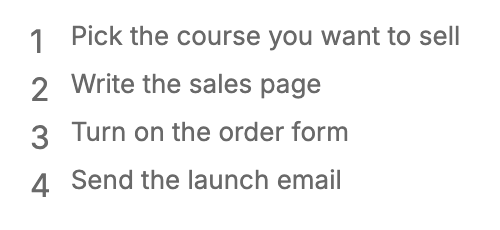
A numbered Bullet list can now show plain numbers: 1, 2, 3, with no dot or bracket after them. It looks clean in a circle or square badge. Click a Bullet list element in the builder, set Marker to Number and pick 1 under Suffix. It works on your pages and in your emails.
Long numbered lists also line up better on pages: from 10 items on, the numbers sit in one column, so the text of item 1 and item 10 starts at the same place, and a long item no longer squeezes its number.
- Requested in: Have plain number with out suffix on the bullet list element 1 vote
